
Mice
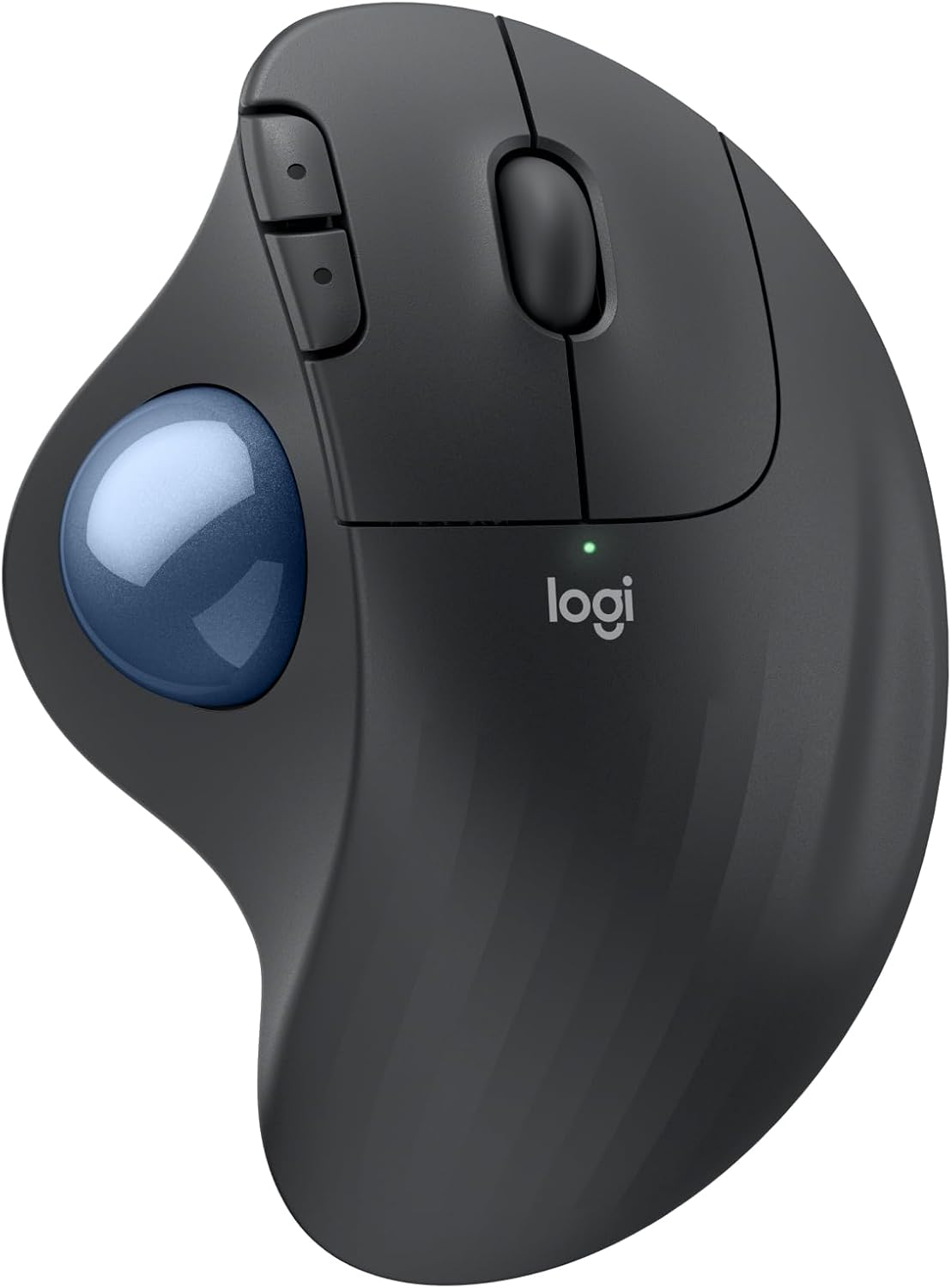
Logitech Ergo M575S Wireless Trackball
A thumb trackball that stays put. Long ticket days are easier on the wrist when the mouse is not chasing across the desk.
View on Amazon (paid link)
As an Amazon Associate I earn from qualifying purchases. Links on this page are Amazon Associates Special Links. If you buy through them, CES may earn a commission at no extra cost to you. CES does not sell these items and does not set Amazon’s prices.
Desk gear
Original notes from the bench. Categories sit on each card so we can filter and search when the list grows.
Mice
A thumb trackball that stays put. Long ticket days are easier on the wrist when the mouse is not chasing across the desk.
View on Amazon (paid link)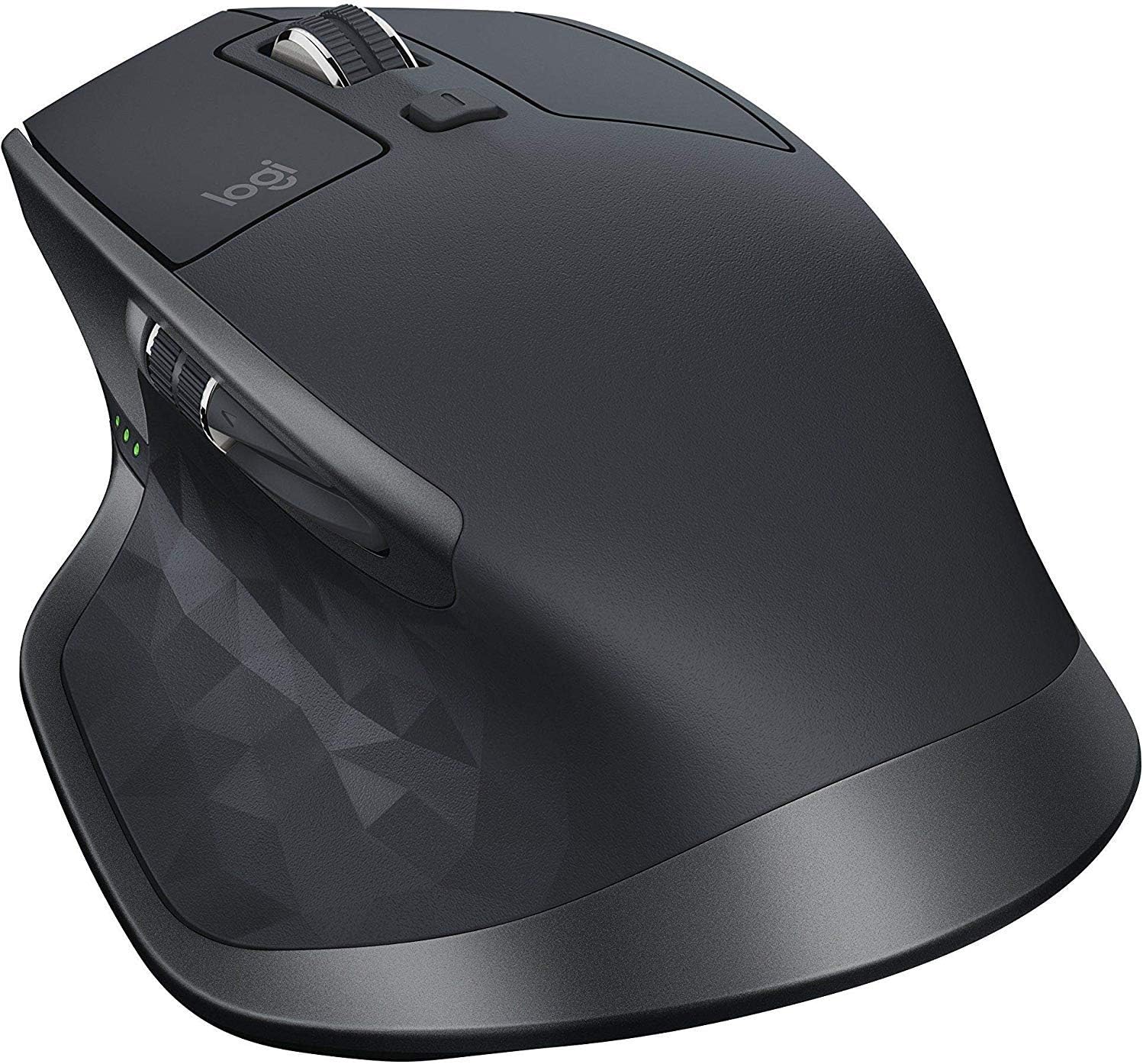
Mice
Extra buttons we actually bind, and Logitech Flow when two machines share a desk. We still run the 2S because it is already in the muscle memory.
View on Amazon (paid link)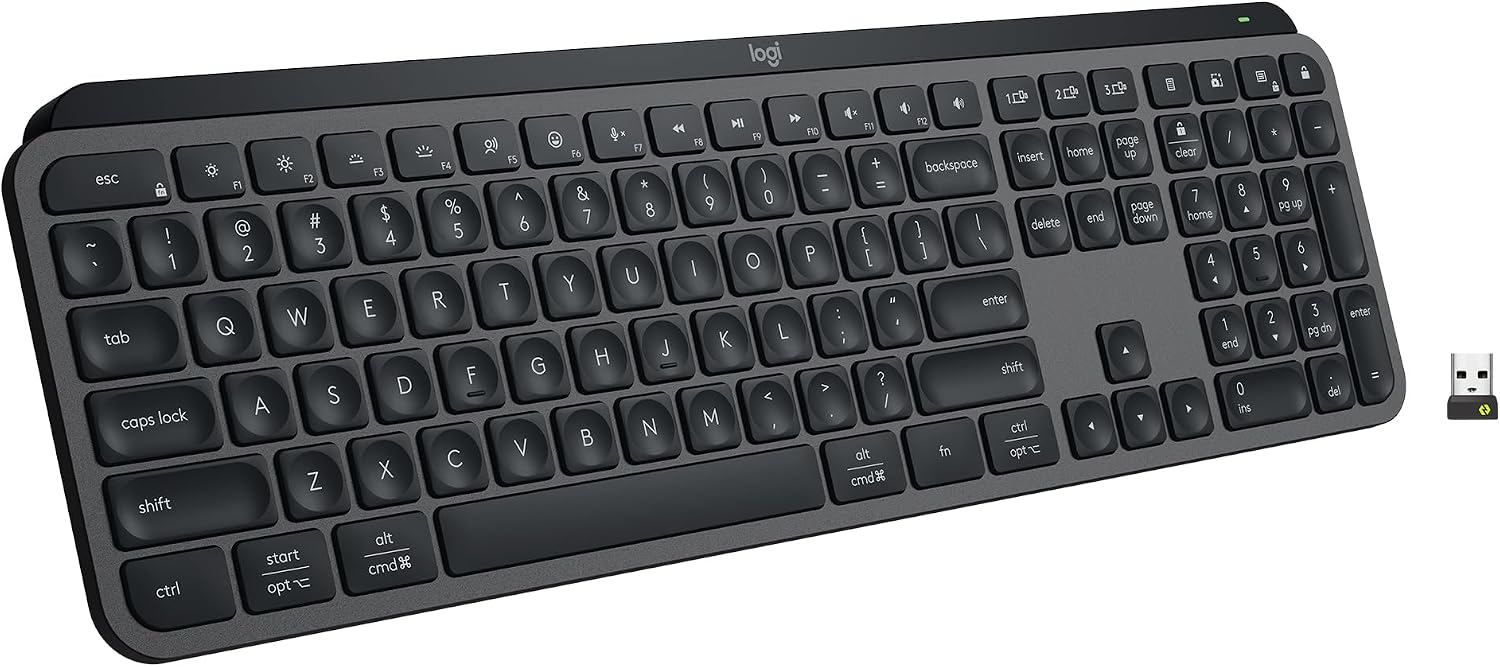
Keyboards
Low profile, quiet enough for a shared office, and a backlight when the room is dark. The keys feel precise without the travel of a chunky board.
View on Amazon (paid link)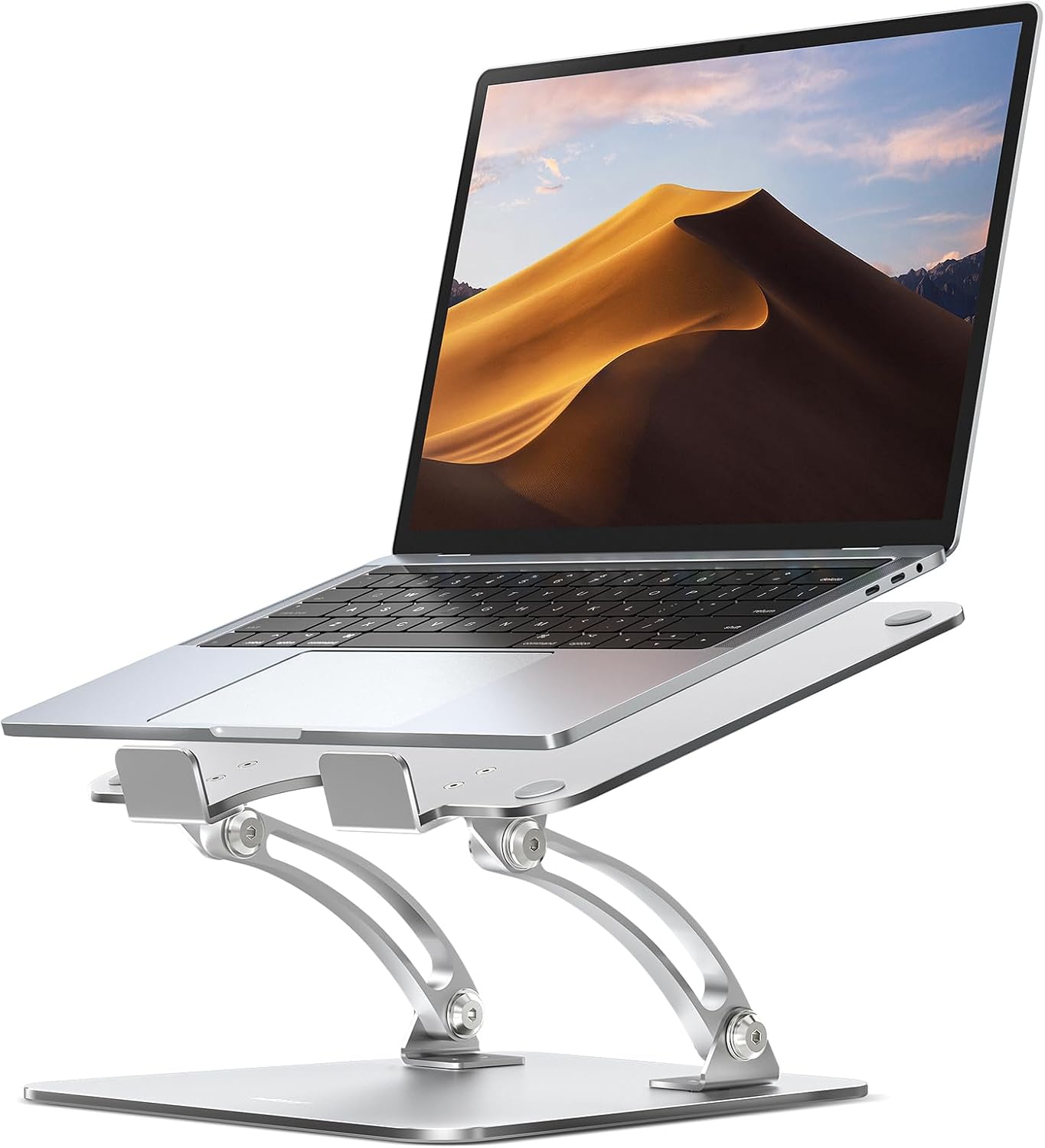
Stands
Raises the laptop so the neck stays honest. Height and angle adjust, then it gets out of the way. Simple aluminum, no extra software.
View on Amazon (paid link)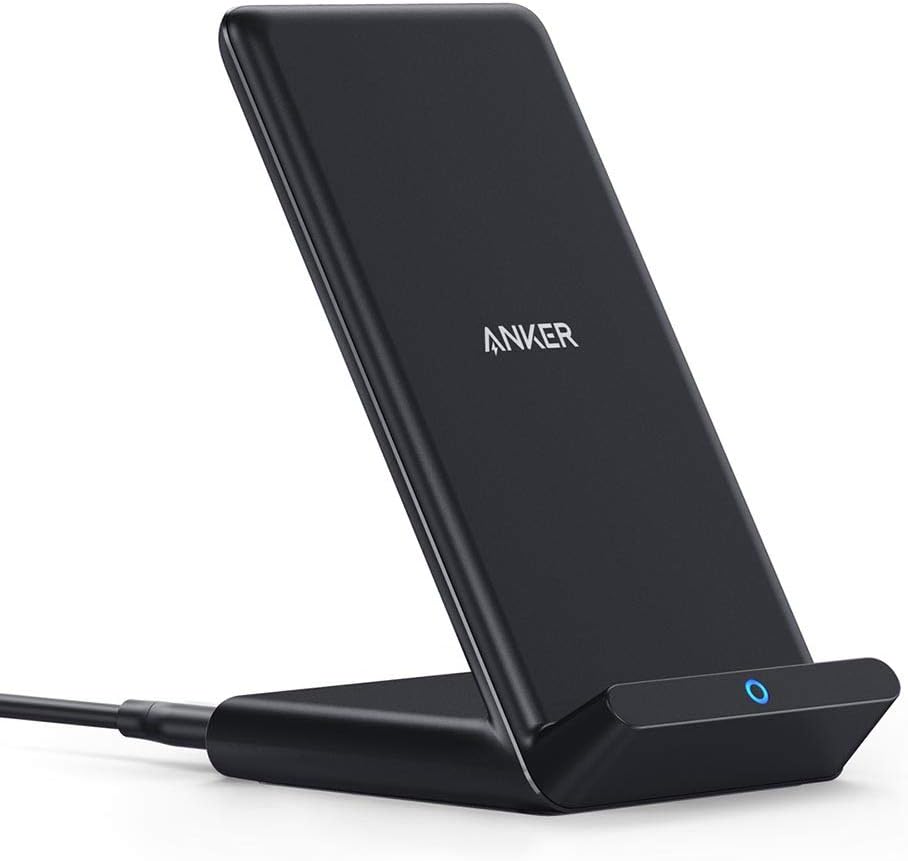
Chargers
Qi stand that holds the phone upright. Messages and Face ID while it charges. The desk charger we actually leave plugged in.
View on Amazon (paid link)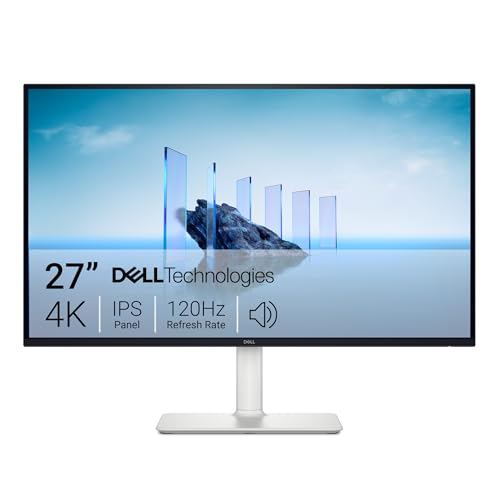
Monitors
27 inches of 4K at 120 Hz. Text stays sharp, motion stays calm, and the stand height-adjusts. The desk when tickets, documents, and a second window all have to be readable.
View on Amazon (paid link)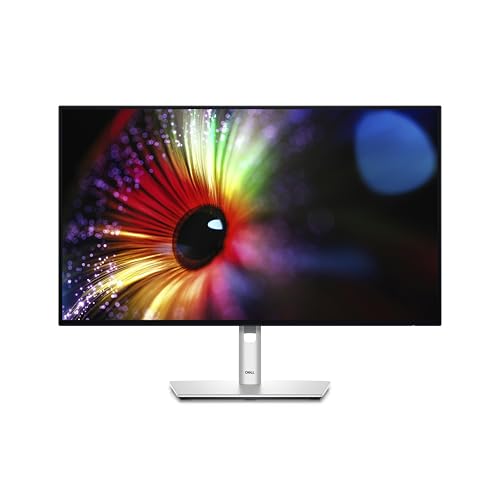
Monitors
QHD IPS Black — deeper blacks than a plain IPS, color that stays honest through a day of spreadsheets and screenshots. Height, tilt, swivel, and pivot without a drama.
View on Amazon (paid link)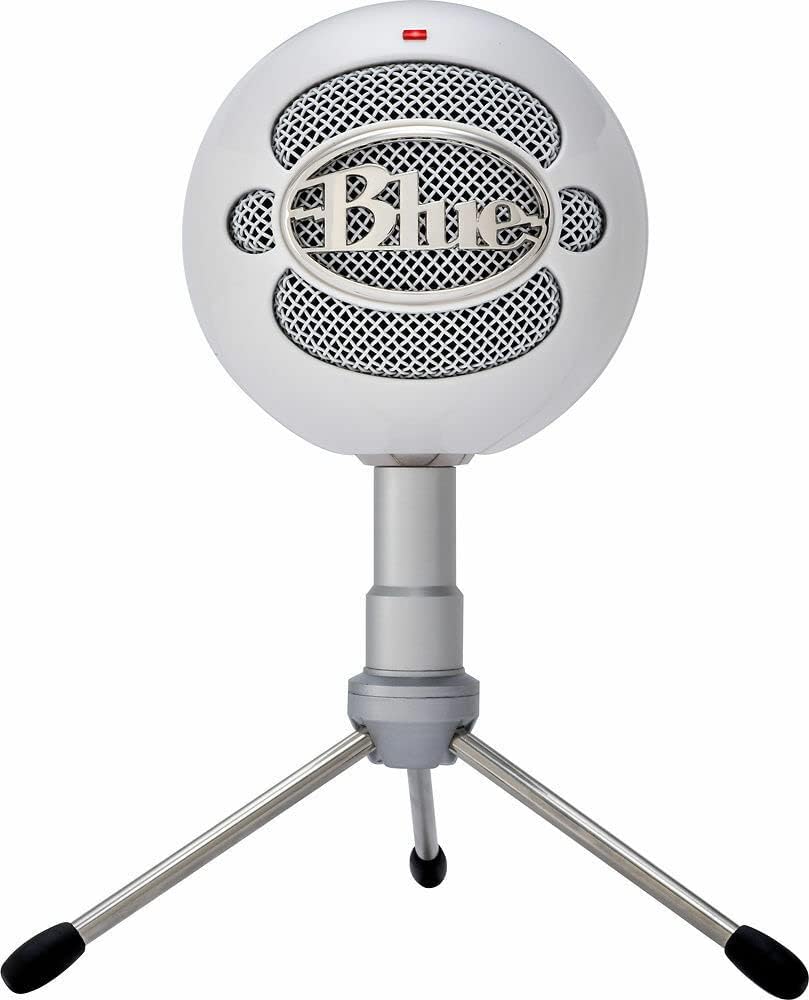
Microphones
USB, plug in, and the room sounds like a person instead of a laptop hole. When the meeting matters, this is a clear upgrade on the desk.
View on Amazon (paid link)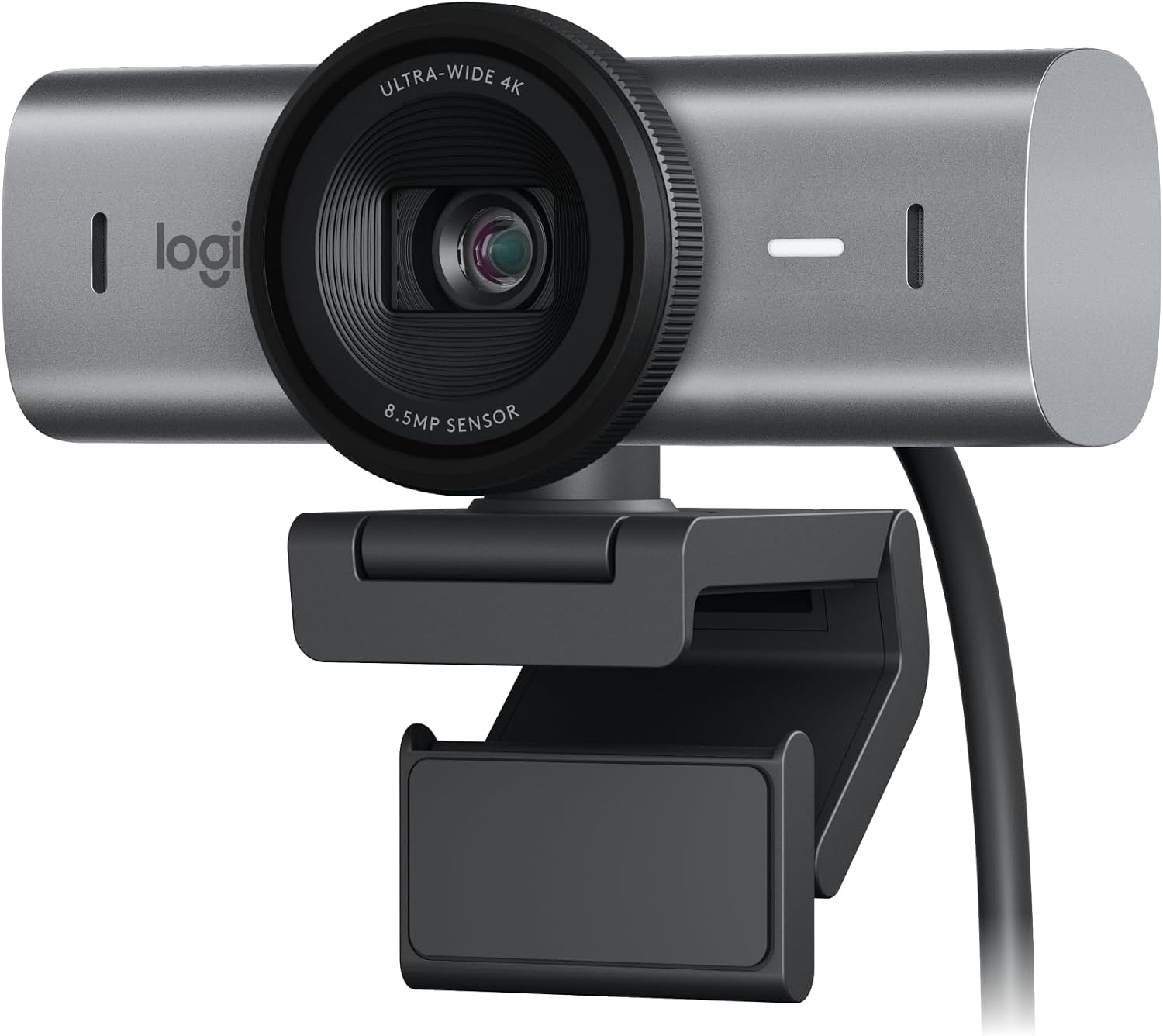
Webcams
4K when the room needs it, and a clearer picture than the camera in the lid. Client calls look like you meant to be there.
View on Amazon (paid link)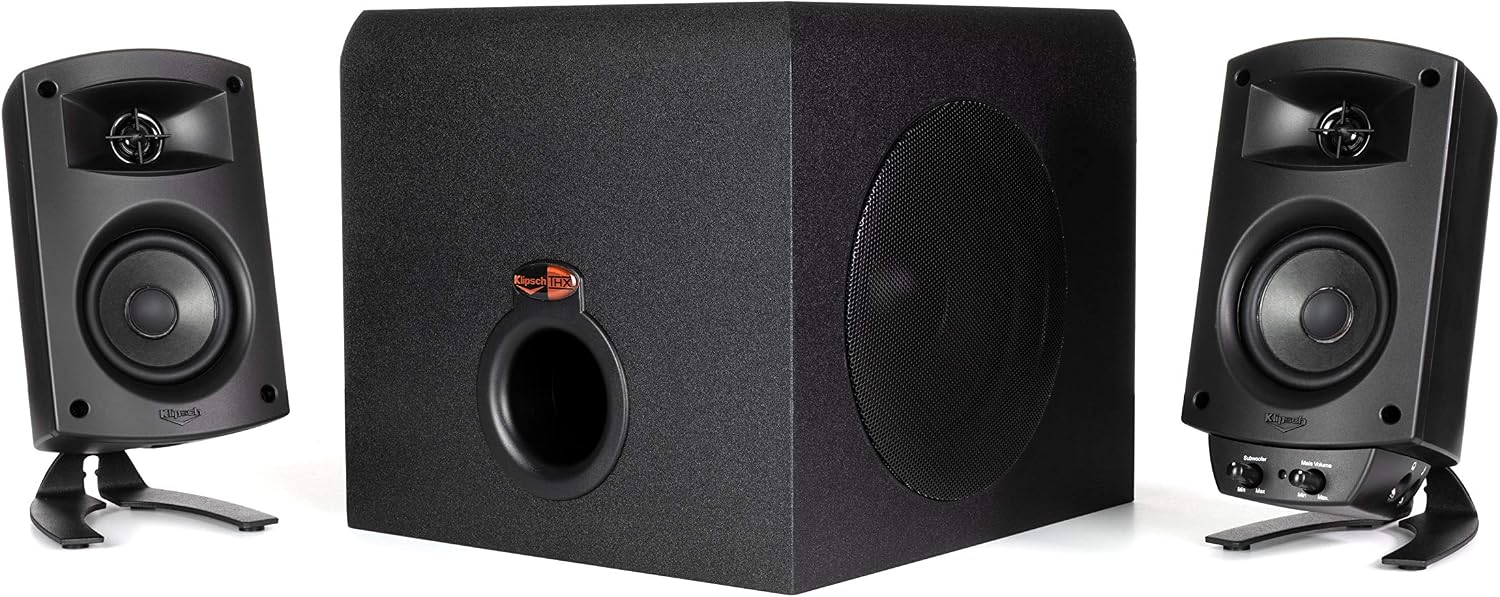
Speakers
THX-certified 2.1 with a real sub. The desk can hear a voicemail, a call, or a video without hunting for headphones.
View on Amazon (paid link)Network gear
A gateway, access points, a PoE switch, a desk switch, and a Protect camera — one stack, one console. CES recommends. You purchase. We put it in and stay on the line.
Gateways
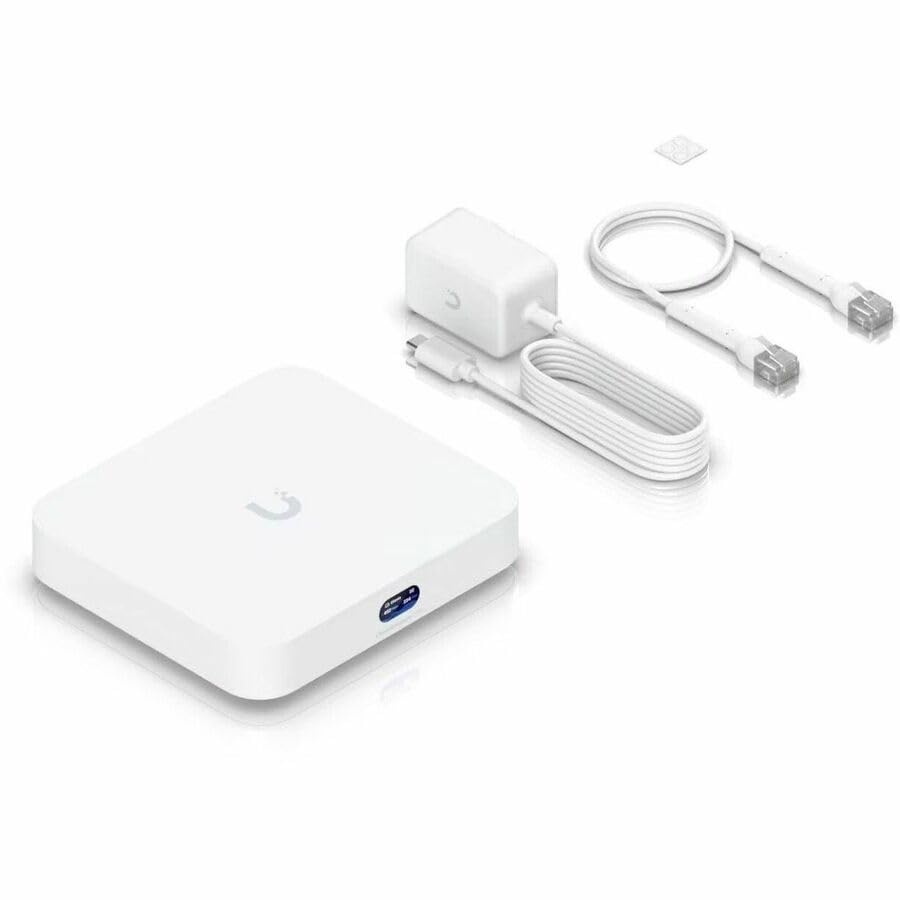
The small-office UniFi brain. No radio in the box — you add access points — and one console for the whole stack. Silent, USB-C, and it routes with IDS/IPS on.
View on Amazon (paid link)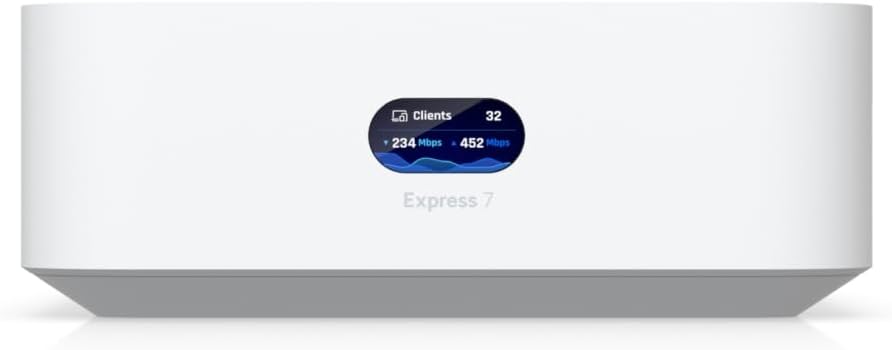
Gateways
A single-room UniFi start: Wi-Fi 7 and the controller in one box. Fine for a shop or a first site. When the office grows, the same console adopts the next AP.
View on Amazon (paid link)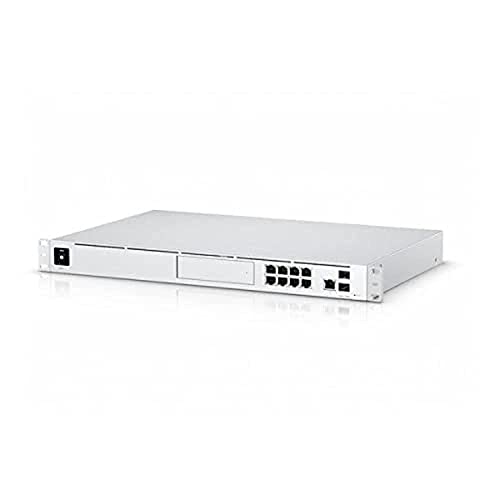
Gateways
The rack unit when the closet is a closet. Gateway, switch, and a drive bay for Protect. One screen on the front so you can see the circuit without opening a laptop.
View on Amazon (paid link)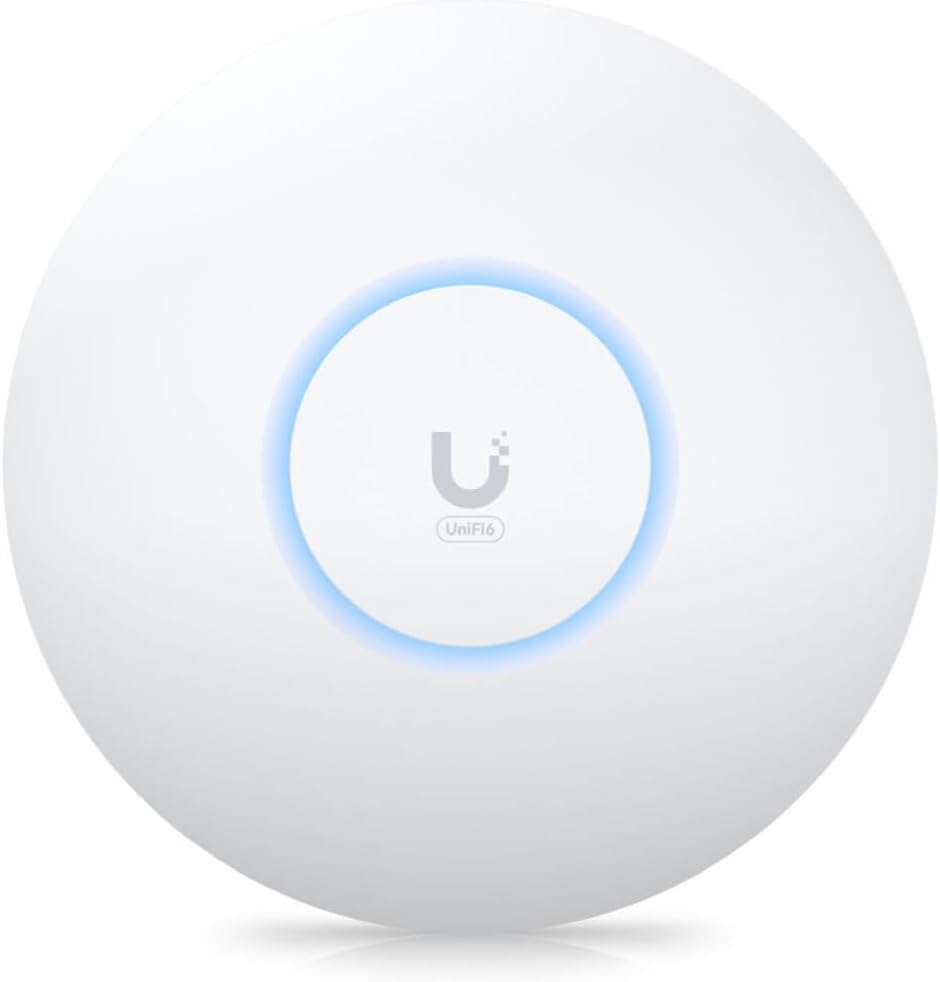
Access points
The ceiling AP we put in when Wi-Fi 6 is enough. Compact, PoE, and it joins the same UniFi map as the rest of the office.
View on Amazon (paid link)
Access points
Wi-Fi 7 when the room is large or the walls are honest. Fewer APs, further apart, still on the same controller.
View on Amazon (paid link)
Access points
Wi-Fi 7 with a 10-gig uplink when the closet can feed it. The AP for a dense floor that should not wait on a gigabit drop.
View on Amazon (paid link)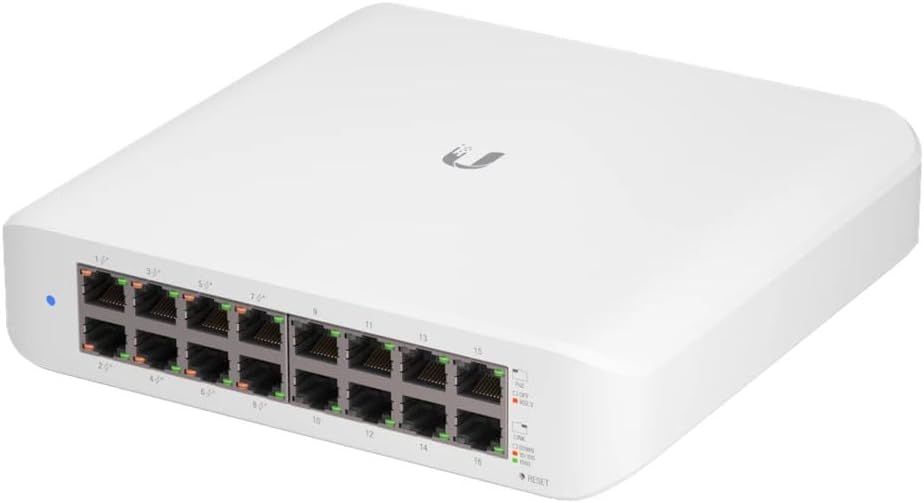
Switches
Sixteen copper ports, eight of them PoE+. This is how the access points and cameras get power without a wall wart on every drop.
View on Amazon (paid link)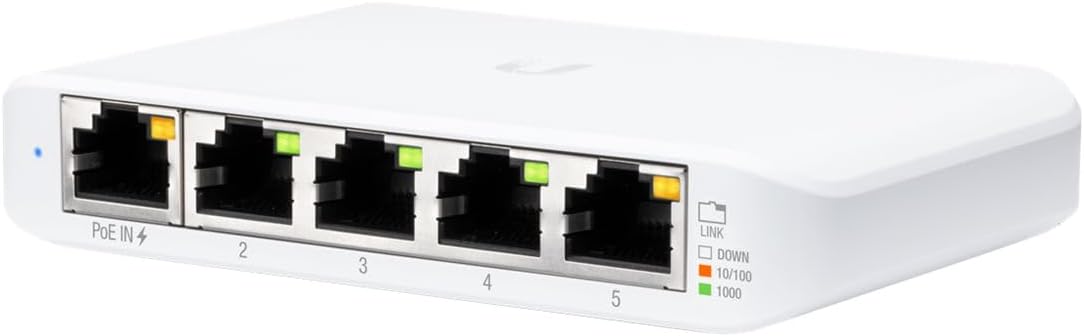
Switches
Five gigabit ports that live on the desk or behind a monitor. PoE-in so it does not need its own brick if the closet already has PoE.
View on Amazon (paid link)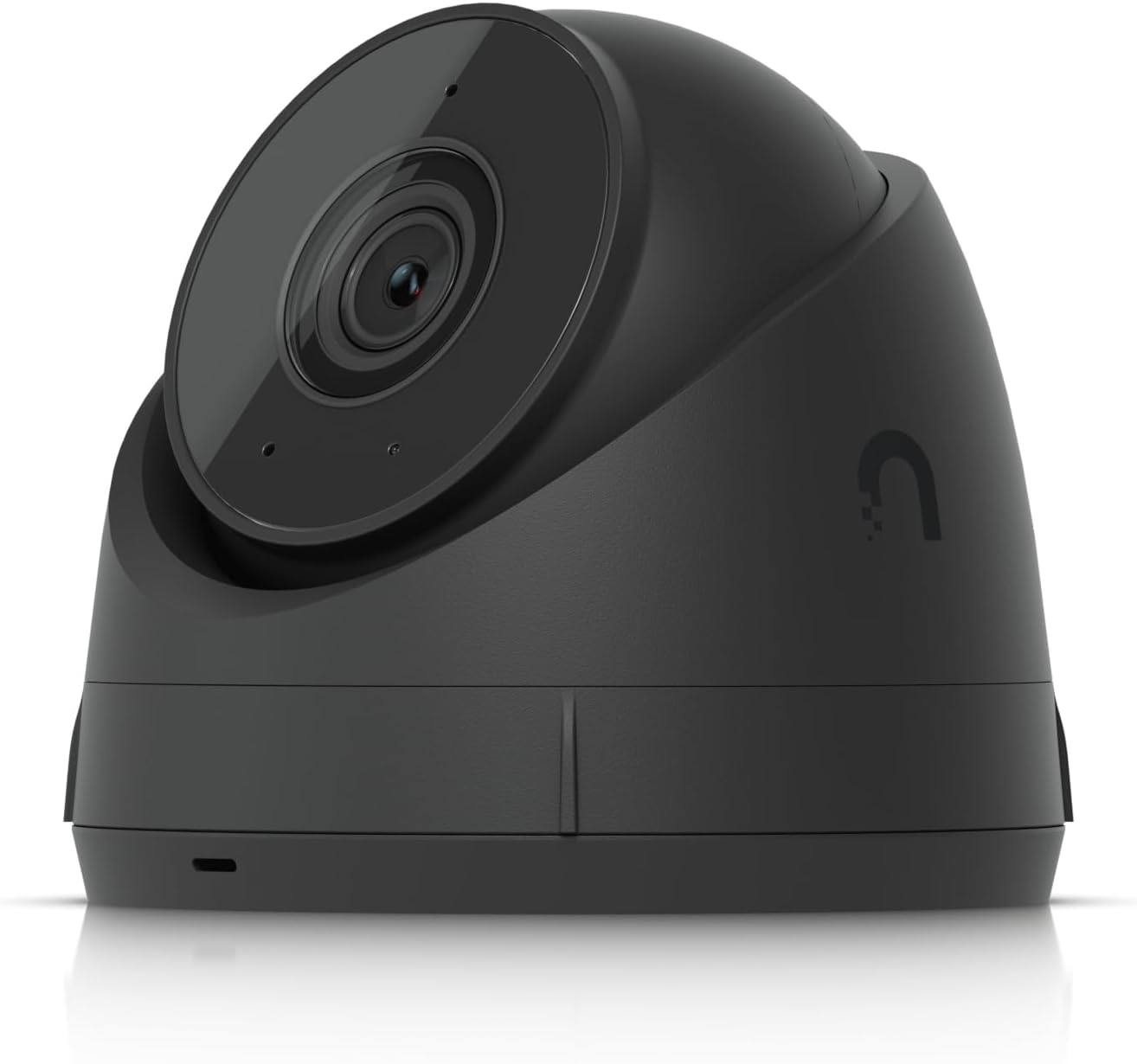
Cameras
A UniFi Protect camera that lives in the same app as the network. One vendor, one login, a picture you can actually read.
View on Amazon (paid link)Storage
Diskless RackStations — 4, 8, 12, and 16 bays. You pick the drives. DSM is the same console from the first unit to the last. CES recommends. You purchase.
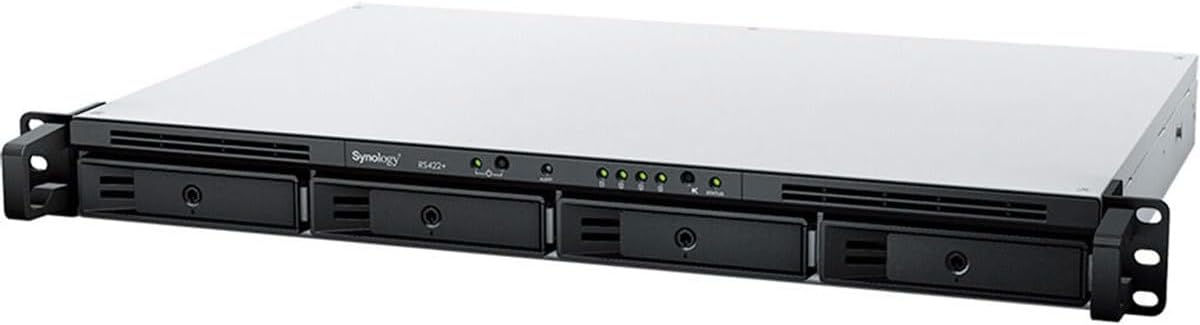
4-bay
The 1U four-bay that fits a shallow rack. Diskless DSM, dual gigabit, and a 10-gig module when the closet grows. The first rack NAS we put in a small office.
View on Amazon (paid link)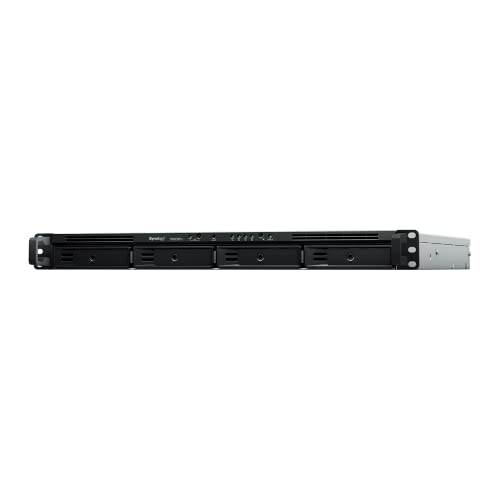
4-bay
Four bays, two power supplies. Same 1U footprint as a starter unit, with failover if a PDU blinks. The 4-bay we leave in a closet that has to stay up.
View on Amazon (paid link)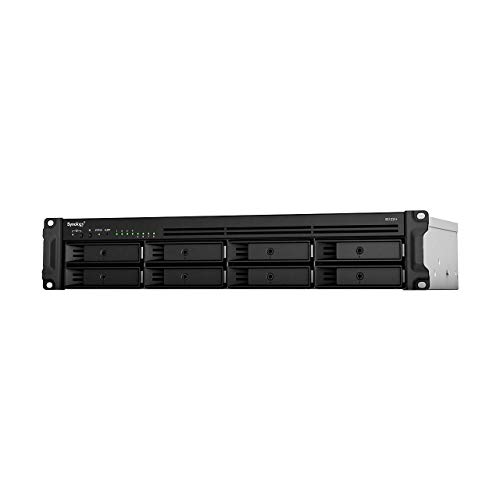
8-bay
Eight bays in a short 2U. Fits a two-post rack. Backup, file share, and a volume that can grow one tray at a time.
View on Amazon (paid link)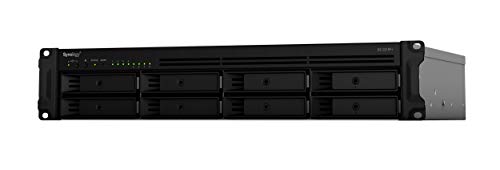
8-bay
The same eight-bay chassis with redundant power. When the office has two PDUs and cannot lose the share, this is the one.
View on Amazon (paid link)
12-bay
Twelve bays, 10-gig on the board, dual PSUs. The 2U we put in when the office has real data — backup, cameras, and a second site.
View on Amazon (paid link)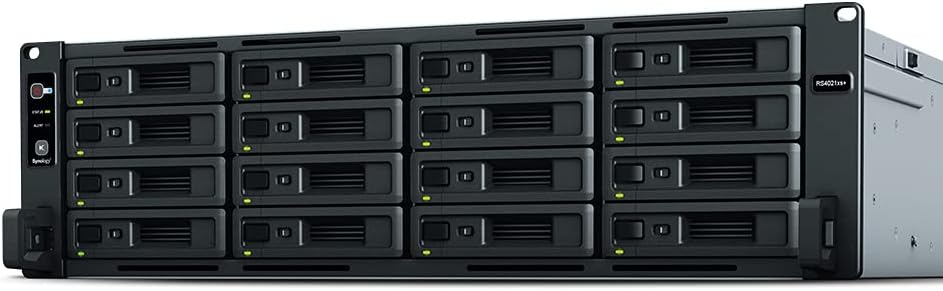
16-bay
Sixteen bays, the xs-series when the rack is a rack. Dual 10-gig, ECC, and DSM that already matches the rest of the stack.
View on Amazon (paid link)Laptops
14- and 16-inch Dell Pro and Pro Plus — the next Latitude. Windows 11 Pro, FHD+, 16 GB. CES recommends. You purchase.
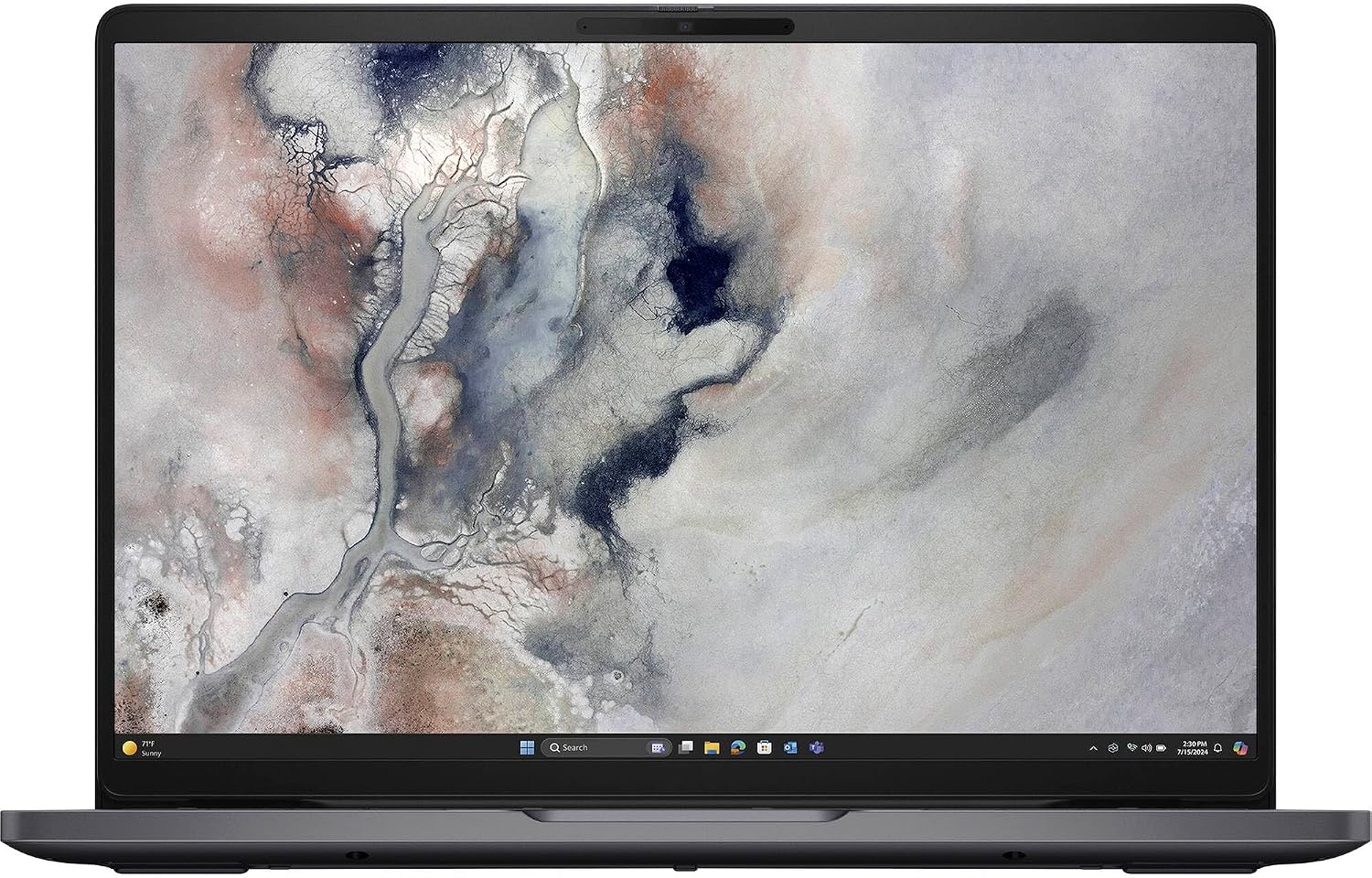
Pro 14
The 14-inch we issue when the desk already has a monitor. FHD+, 16 GB, 512 GB, Windows 11 Pro, Thunderbolt 4 and a real Ethernet jack. Next-gen Latitude in Magnetite.
View on Amazon (paid link)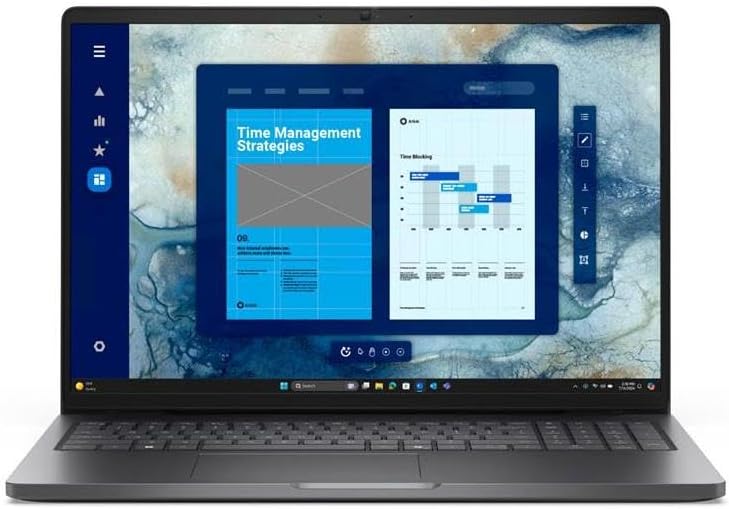
Pro 16
The 16-inch with a number pad. Same Pro chassis, vPro, 16 GB and 512 GB. Spreadsheets, a second screen at home, and a machine that still docks.
View on Amazon (paid link)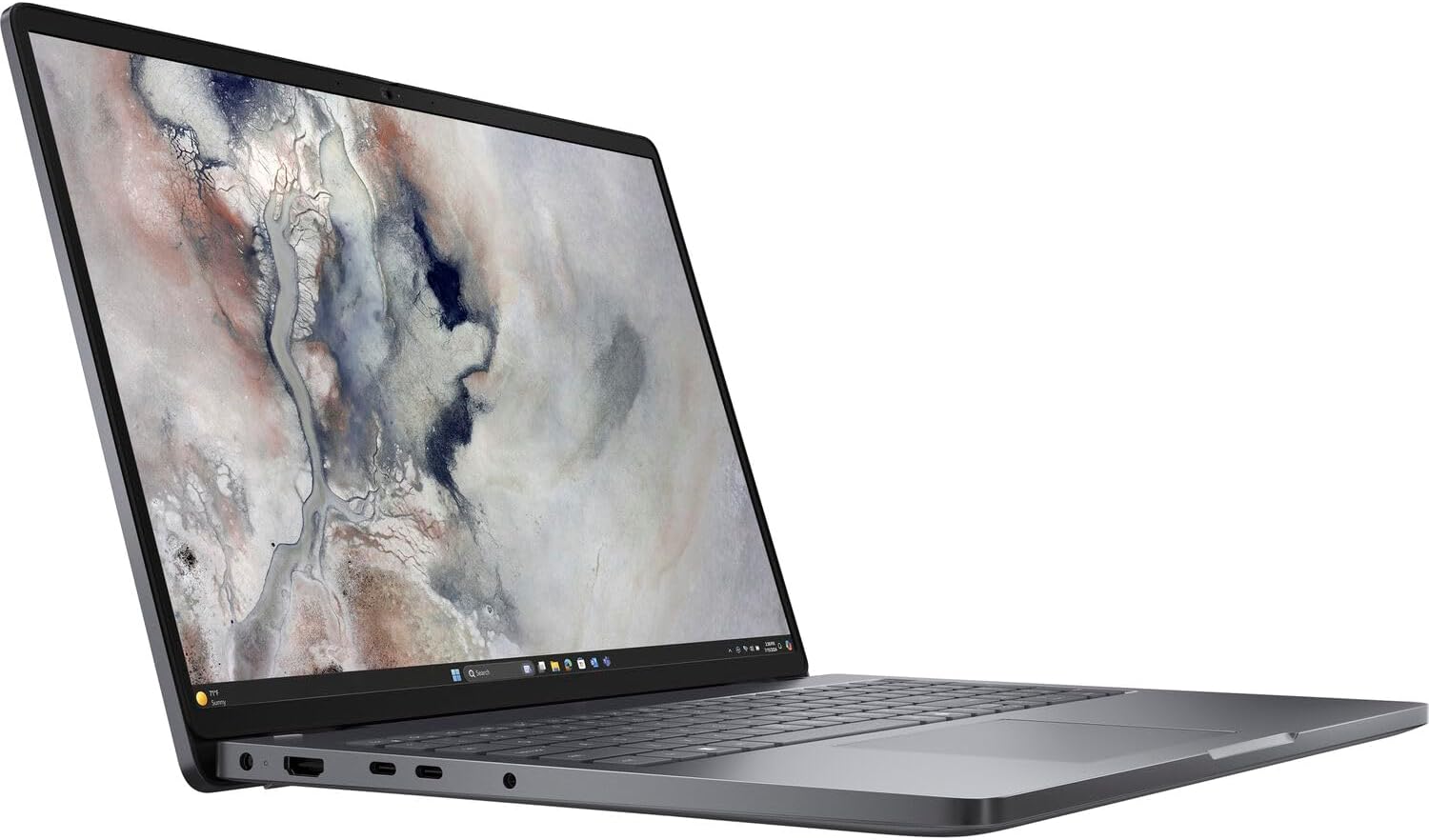
Pro 16
Core 7 150U in the 16-inch. When the job is heavier and the keyboard should still have a numpad. Same Magnetite Pro, same ports.
View on Amazon (paid link)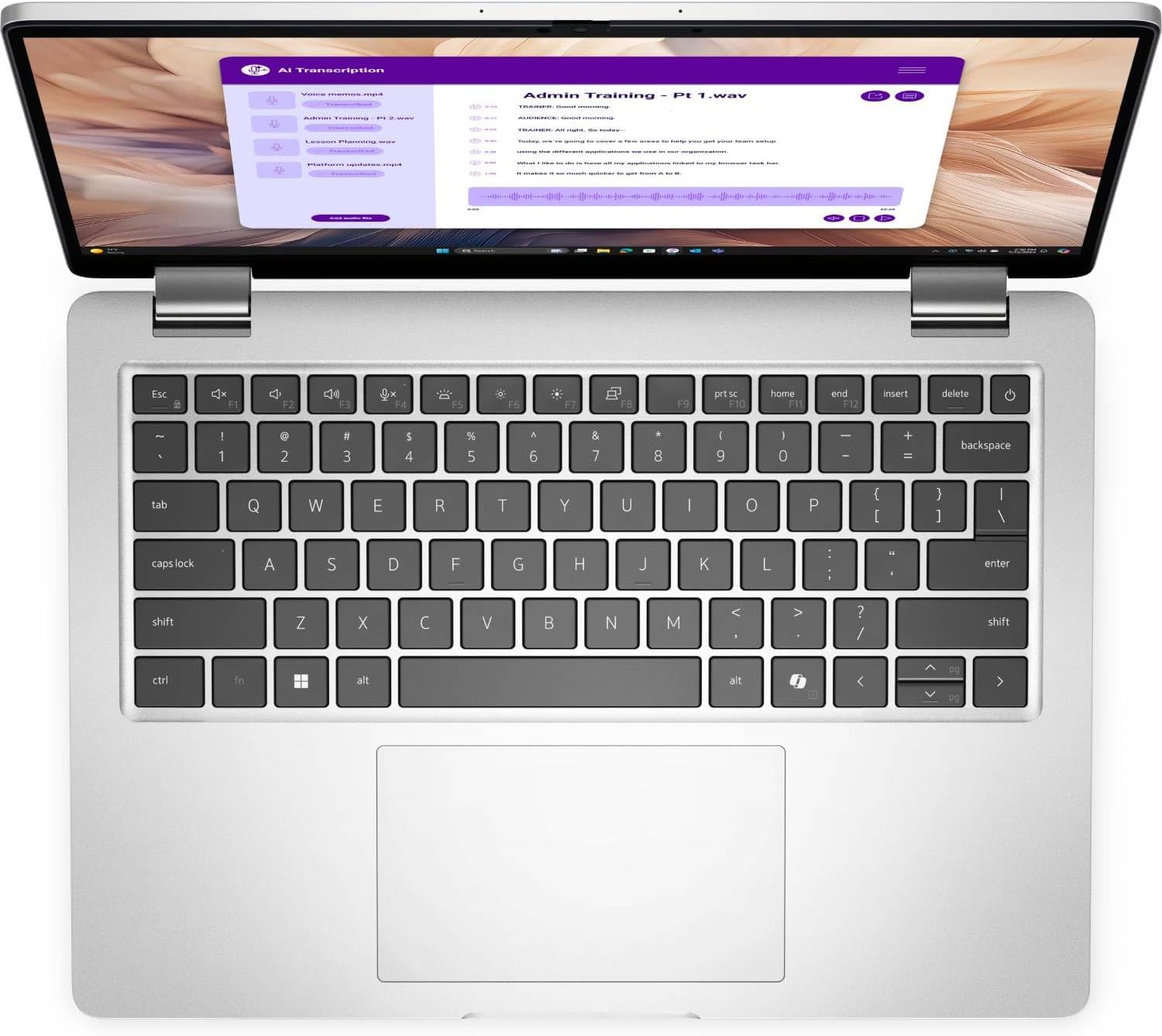
Pro 14 Plus
Aluminum Pro 14 Plus. Ultra 5 235U, vPro, the longer battery. The one we send with people who live on the road.
View on Amazon (paid link)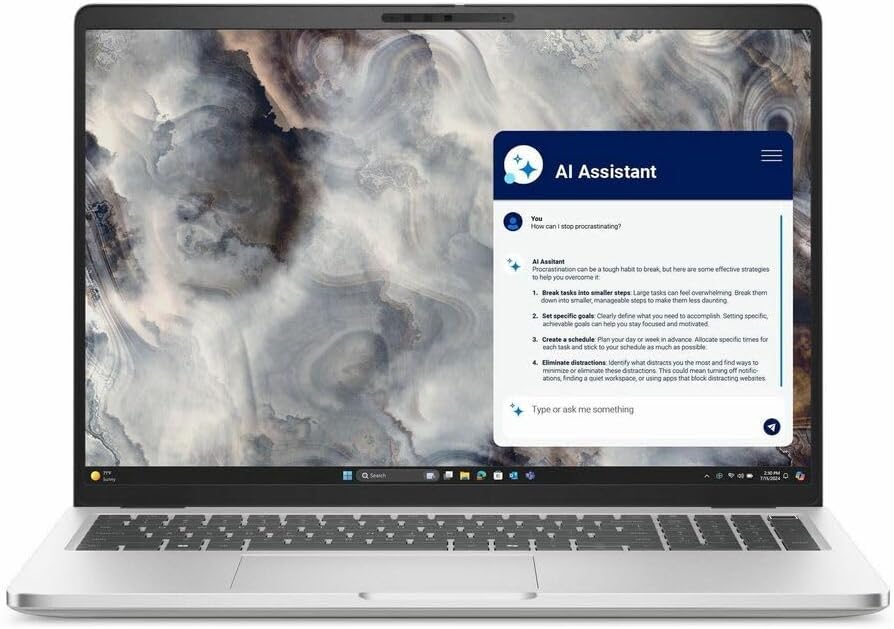
Pro 16 Plus
Copilot+ 16-inch Plus. Ultra 5 236V, Arc graphics, aluminum. When the office wants an NPU that actually qualifies.
View on Amazon (paid link)Starlink
We can keep you online anywhere you go with our extensive Starlink experience. Standard and Mini kits, plus official mounts and routers. A Starlink service plan is required. CES recommends. You purchase.
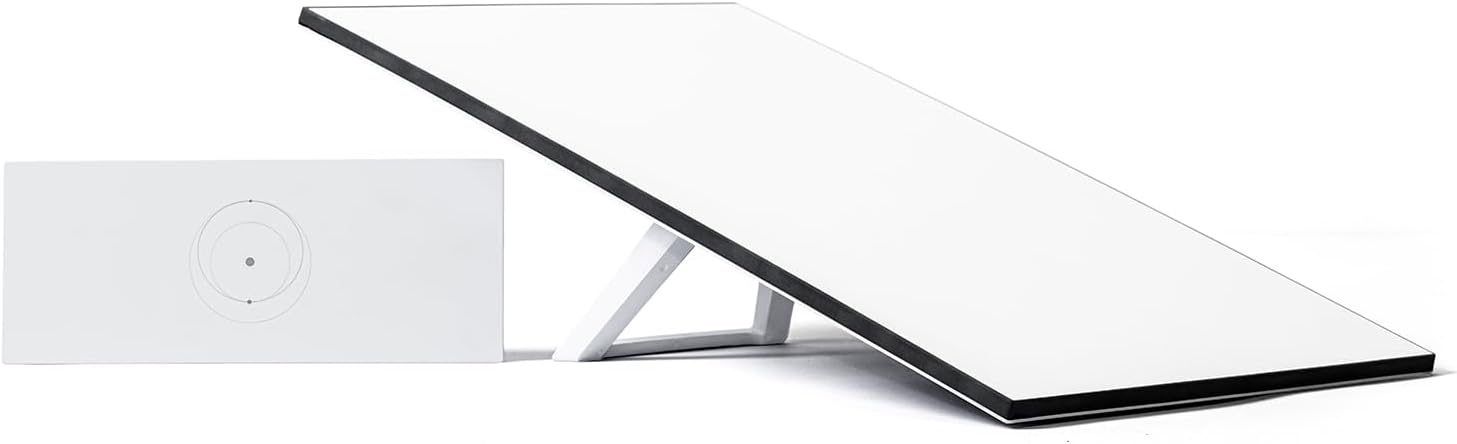
Kits
Dish, Gen 3 router, kickstand, and the cables in one kit. The circuit we put in when the copper is gone, never existed, or the office has to stay up off-grid.
View on Amazon (paid link)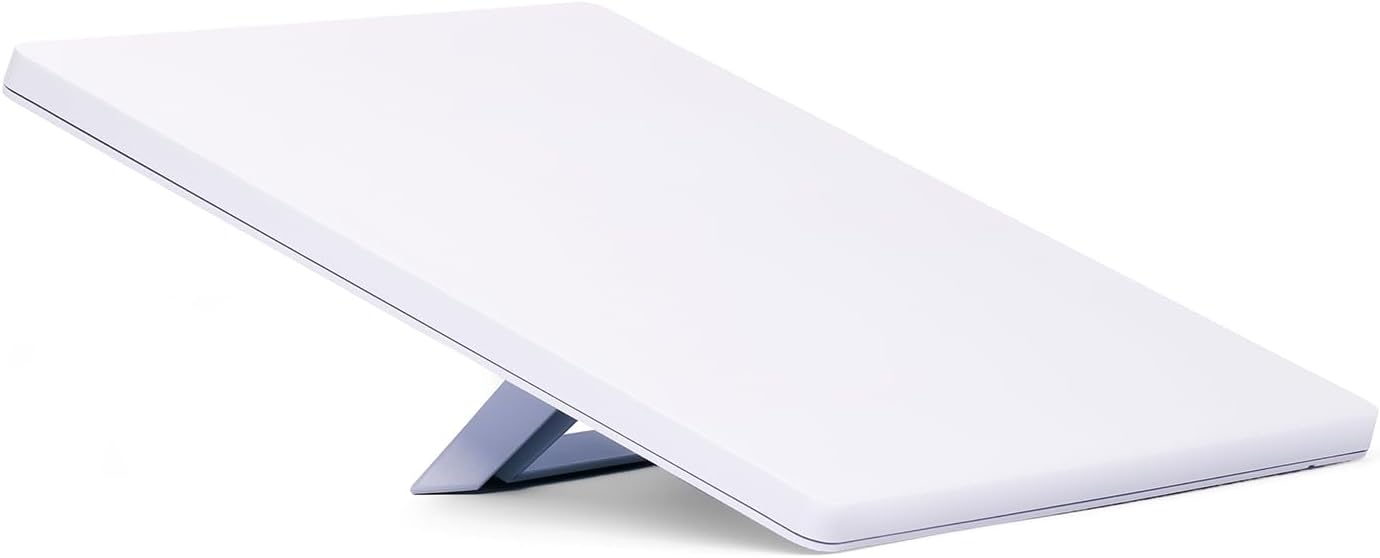
Kits
The backpack kit. Built-in Wi-Fi, DC power, kickstand. The one we take when the job is a jobsite, a vehicle, or a weekend that still has to answer tickets.
View on Amazon (paid link)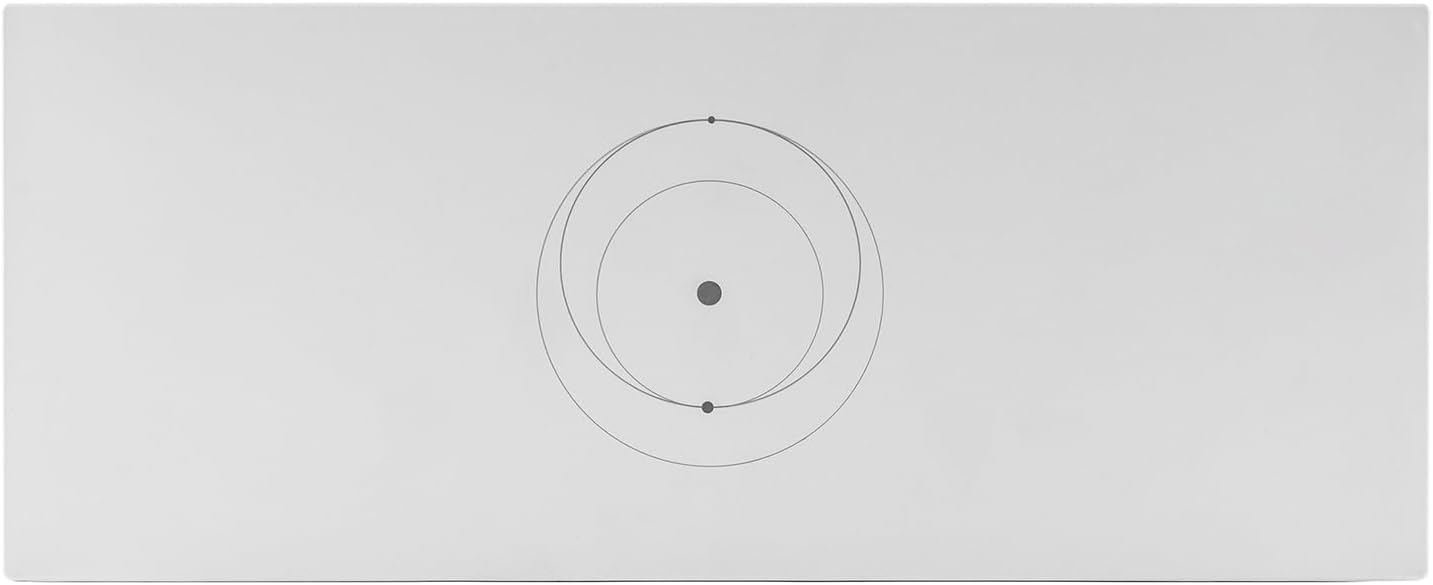
Routers
A spare or a second node. Wi-Fi 6, two latching Ethernet ports, IP56. When the kit's router is elsewhere, or the house needs another radio on the same Starlink.
View on Amazon (paid link)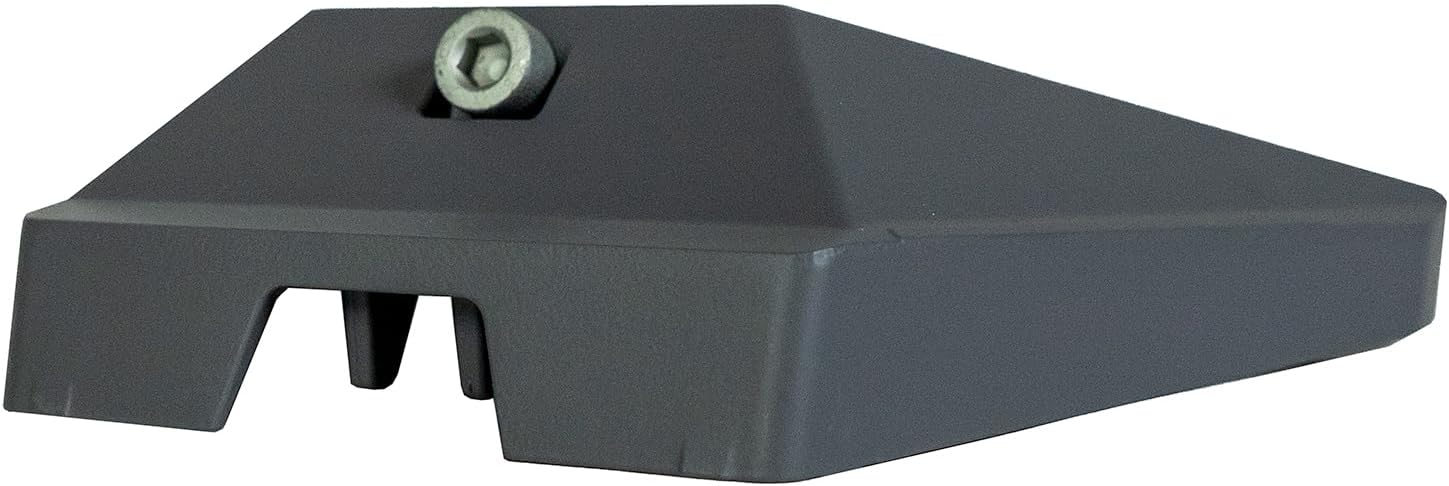
Mounts
Official mount for the Standard dish on a metal pipe. The kickstand is for the porch. This is for a pole that stays put.
View on Amazon (paid link)Power
A sinewave UPS under the desk, and EcoFlow packs you can carry — minutes for a blink, hours for an outage. CES recommends. You purchase.
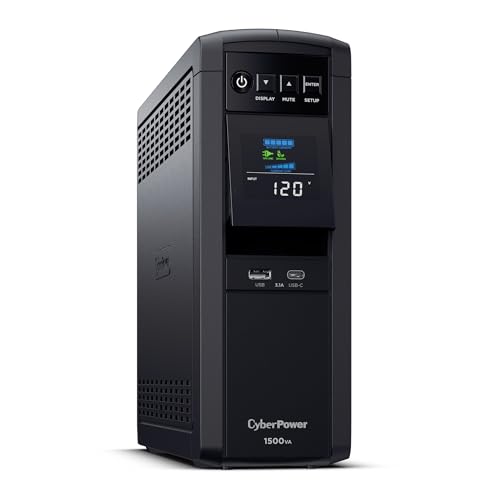
UPS
Sinewave backup that sits under the desk. PFC-safe, a screen you can read from the floor, and enough minutes to save work and ride a blink.
View on Amazon (paid link)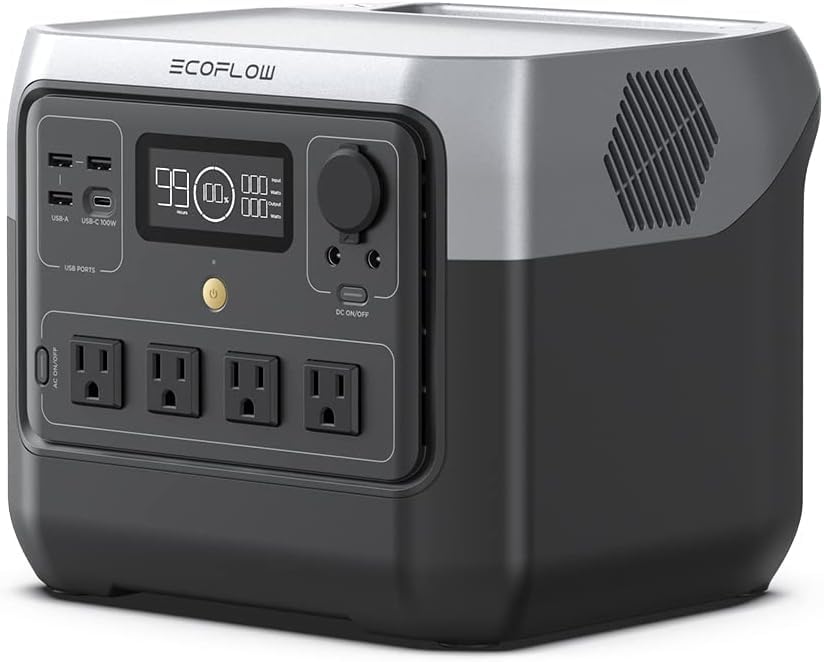
Portable power
768 Wh you can carry. Keeps a laptop, a radio, and a small office load up when the circuit dies — without dragging a generator onto the sidewalk.
View on Amazon (paid link)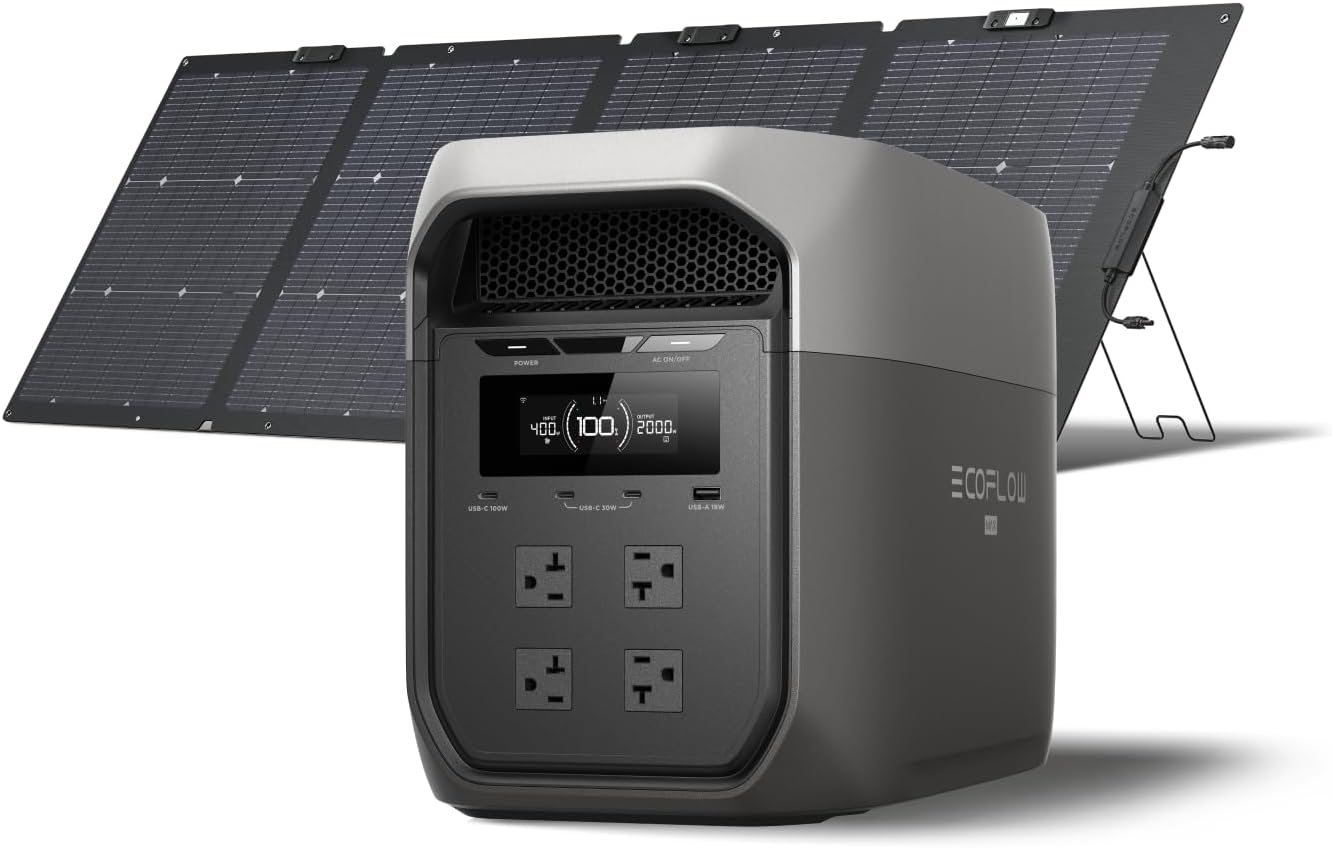
Portable power
The longer outage box: two kilowatt-hours, a 220 W panel in the kit, and enough inverter for a fridge and the network closet. Solar when the wall is dark.
View on Amazon (paid link)Go deeper